FruitFlicker2.0
Publisher Description

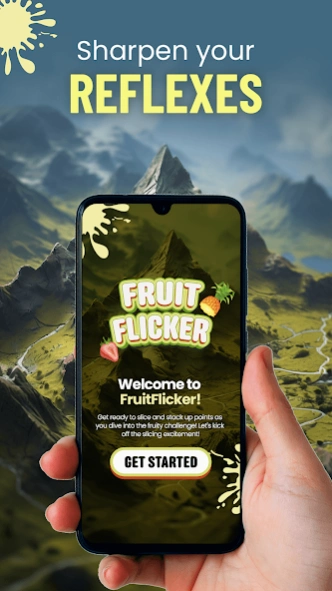


Sharpen those reflexes and get ready for endless hours of slicing enjoyment.
Hold onto your fruit baskets because Fruit Flicker is about to take you on a wild ride through the juiciest and most explosive slicing experience ever! This game is not your average fruit salad – it's a slicing sensation that'll challenge your reflexes, precision, and strategic thinking all at once. Swipe across the screen and slice through a variety of vibrant fruits!
As you progress through levels of increasing complexity, you'll feel the adrenaline pumping as you dodge bombs and slice fruits with ninja-like precision. Fruit Flicker isn't just a game; it's a reflex enhancement boot camp that'll have you dodging bombs like a fruit ninja in no time.
But it's not all about the thrill – this game is designed to be your go-to stress-relief tool. Engage in satisfying gameplay that's as therapeutic as a tropical vacation. This fruit-slicing game is a rollercoaster of precision, speed, and strategic bomb-dodging. Need a break during a hectic day? Grab your phone, swipe away, and let the entire day’s stress melt away.
Fruit Chop is ideal for those moments when you need a quick burst of entertainment or want to show off your ninja slicing moves. So, what are you waiting for? Dive into the fruit frenzy now and let the slicing extravaganza begin!
About FruitFlicker
The company that develops FruitFlicker is CoolBoots Media. The latest version released by its developer is 2.0.
To install FruitFlicker on your Android device, just click the green Continue To App button above to start the installation process. The app is listed on our website since 2024-06-26 and was downloaded 0 times. We have already checked if the download link is safe, however for your own protection we recommend that you scan the downloaded app with your antivirus. Your antivirus may detect the FruitFlicker as malware as malware if the download link to chopfruits.action.casualgames.ca is broken.
How to install FruitFlicker on your Android device:
- Click on the Continue To App button on our website. This will redirect you to Google Play.
- Once the FruitFlicker is shown in the Google Play listing of your Android device, you can start its download and installation. Tap on the Install button located below the search bar and to the right of the app icon.
- A pop-up window with the permissions required by FruitFlicker will be shown. Click on Accept to continue the process.
- FruitFlicker will be downloaded onto your device, displaying a progress. Once the download completes, the installation will start and you'll get a notification after the installation is finished.
